No-fuss Pinterest, on your own computer.
See a picture you love anywhere on the web. One click and it is on your board. Arrange it, tag it, find it later. Nothing leaves your machine.
The playground is shared and wipes itself every few hours. Your own copy is private, and free forever.

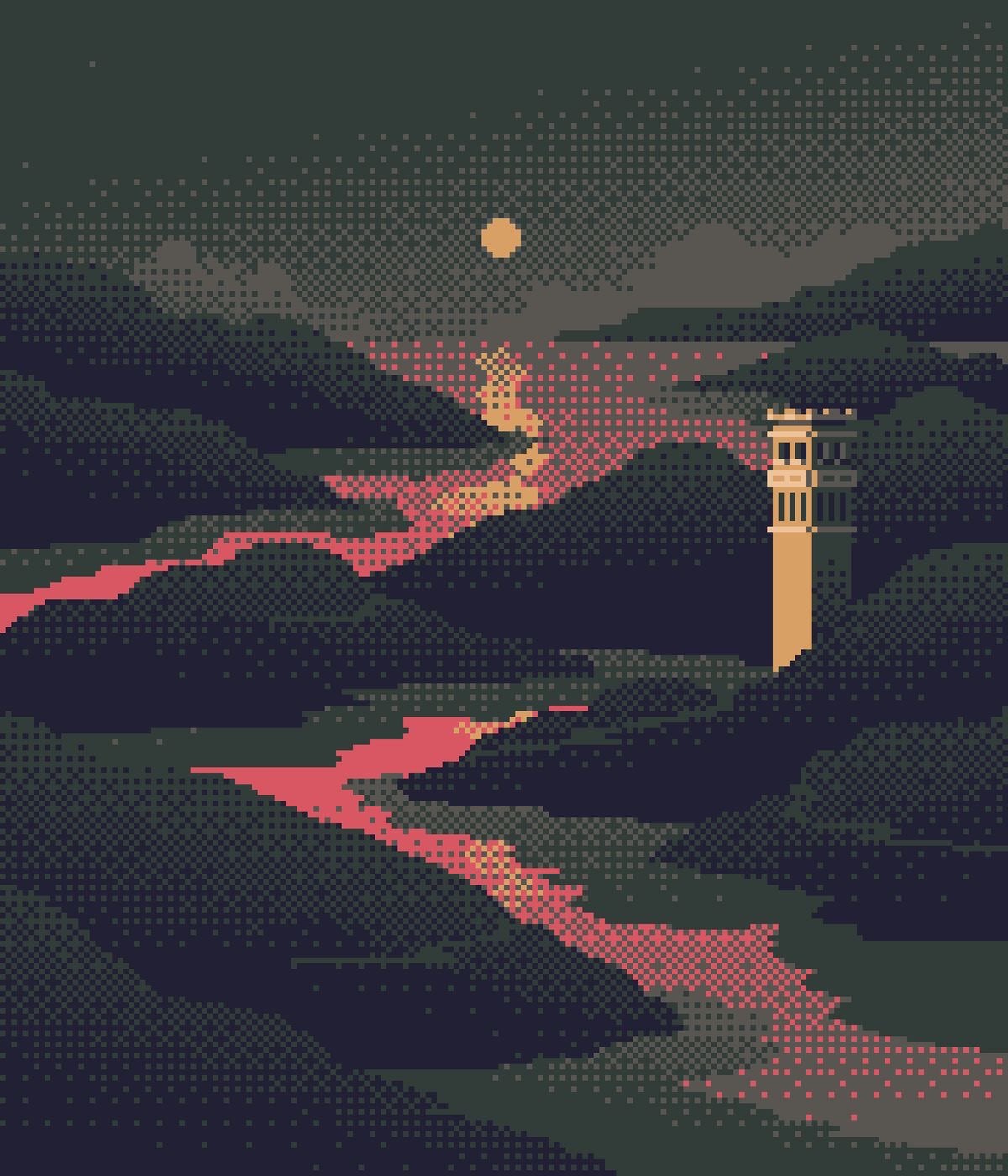
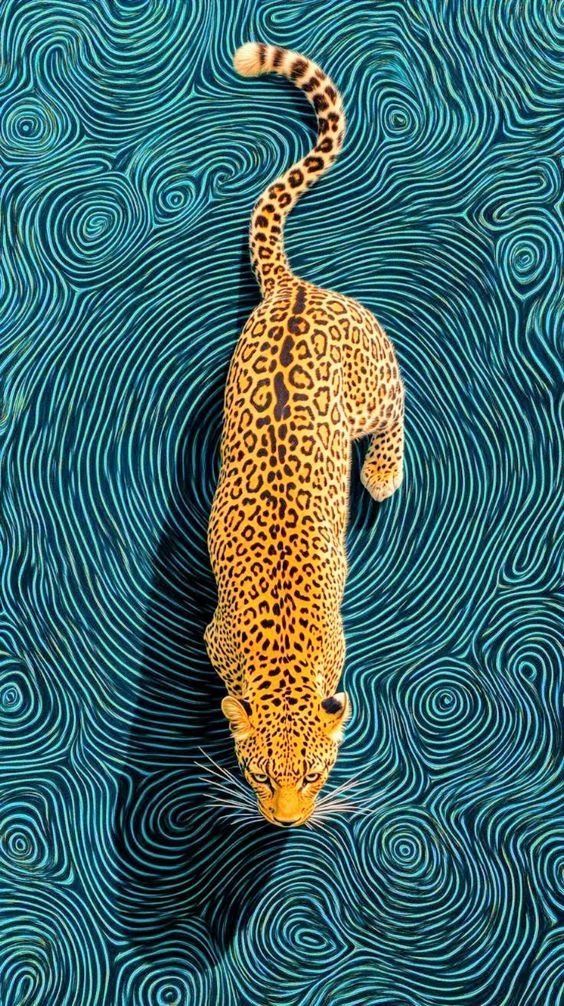
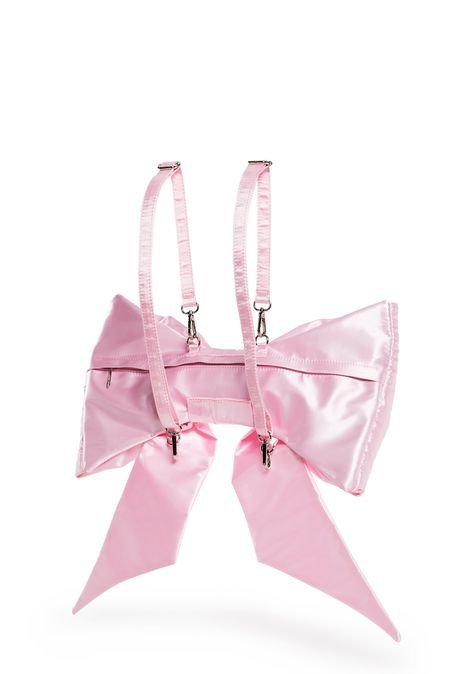
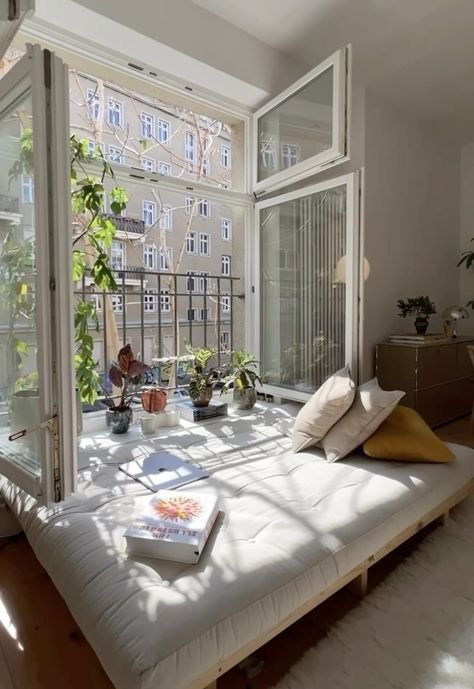
Move a few pictures around.
Drag one anywhere. Scroll to move, hold Ctrl or ⌘ and scroll to zoom. Search for a colour or a mood. Double-click any picture to see it large.
Everything you pin, none of the feed.
Clip from anywhere
Hover any image in Chrome or Edge and a small Save button appears. It lands on your board at the best size the page has.
Boards with no grid to fight
Drop pictures anywhere. Tilt them, crop them, add notes, frames and sketches. Folders keep the boards tidy.
Finds things for you
Search titles, tags and collections. On a Mac it also reads what is in each picture, so untagged ones still turn up.
Yours, entirely
One folder: a database file and your originals. No account, no cloud. Export everything as a ZIP any time.
Two minutes, start to finish.
Any computer with Python 3.10 or newer. No account, no database server.
- Download the latest release and unzip it, or
git clonethe repository. - Start it. On a Mac, double-click
Open Visual Brain.command. Anywhere else:python3 -m pip install -r requirements.txt python3 server.py - Add the extension. Open
chrome://extensions, turn on Developer mode, choose Load unpacked, and pick theextensionfolder. Paste the pairing key from the board's Extension setup.
Start a board in under a minute.
Open the playground to feel how it works, then keep your own private copy.